A Kanban board for OmniFocus
Visualize your OmniFocus tasks on a kanban board. Customisable columns, WIP limits, blocked-task tracking, and Radar focus scoring — all synced back to OmniFocus automatically.
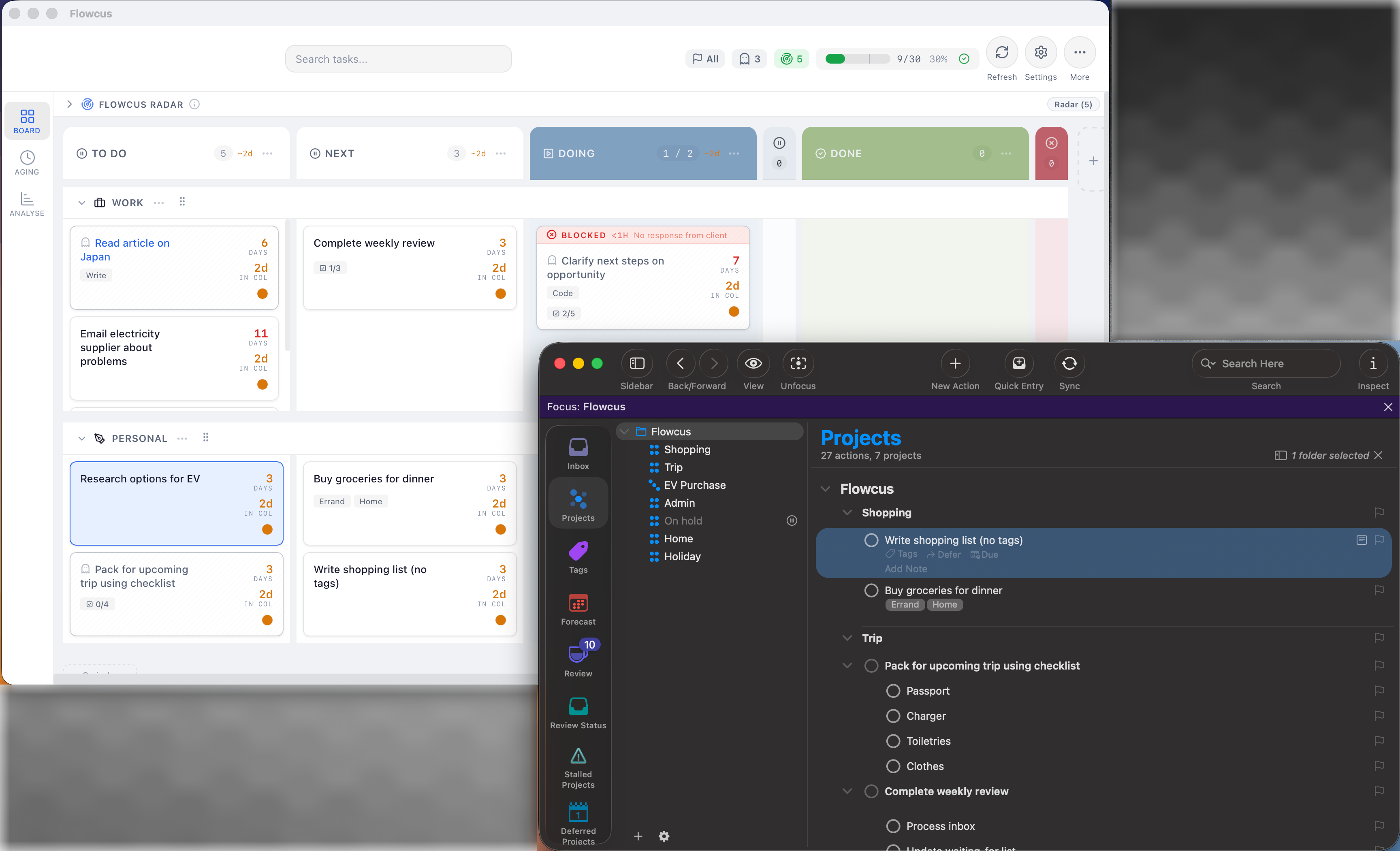
Visualize your OmniFocus tasks on a kanban board. Customisable columns, WIP limits, blocked-task tracking, and Radar focus scoring — all synced back to OmniFocus automatically.

Finds the tasks you've been avoiding — stale items, vague actions, and work that slipped off your radar — before they become dead weight.
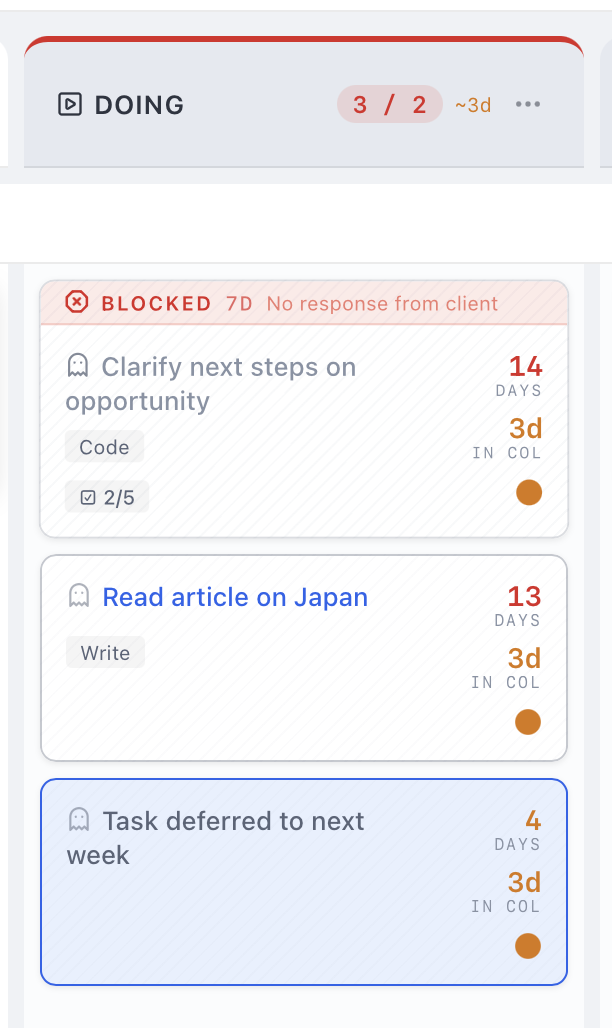
Caps how many tasks each column holds — so you stop starting new work and start finishing what's already on your board.
Download Flowcus and connect to OmniFocus in minutes.
